Introductory NLP Models
Building your first Natural Language Processing-based classification model.

Thanks for stopping by today!
Introduction
A popular and exciting application of data science programming is understanding language and the way people speak. Natural Language Processing (NLP) is a field within data science that examines all things language-related. This could be assigning a movie rating from 1-10 based on a review, determining whether an email is or is not spam, gauging sentiment across a span of song lyrics or an opinion article, and anything else you can think of. It’s interesting to transform a sentence, like “the weather is nice today” into an outcome or classification. We can deconstruct this sentence first by taking out words like “the” and “is” that don’t really matter. Next we probably don’t need the word “weather” if it’s understood that we are discussing the weather. So what we’re left with is “good today.” That tells us something about the moment, it has good weather. and that it is not necessarily indicative of the rest of the week or month. This is a really simple sentence and can probably be deconstructed in other ways as well. A more interesting sentence is the following movie review: “the movie wasn’t good.” Let’s repeat our process: delete the words “the” and “movie.” Next we have the word “wasn’t,” a word that implies some sort of negation, and the word “good,” which implies a positive sentiment. Conveniently, we can build and train models to investigate groups of text and come away with solutions at high accuracies. Today’s post will be a basic walkthrough of what can be an introductory model for NLP.
Goals and Data Source
For this post on an introduction to NLP, we will investigate movie reviews and try to predict whether a review is or is not a positive review. My data can be found on kaggle.com and contains only 2 important features. The data describes texts and labels. Label 1 means a good review and label 0 means a bad review. Let me add a quick note before we get started with all the code: I’m not so familiar with NLP projects and am not great or as creative with NLP. I say this not as a disclaimer but rather to show readers that setting up and solving NLP-based projects is not as difficult or complex as it may seem (but yeah – it’s not that easy).
Coding Process
Setup
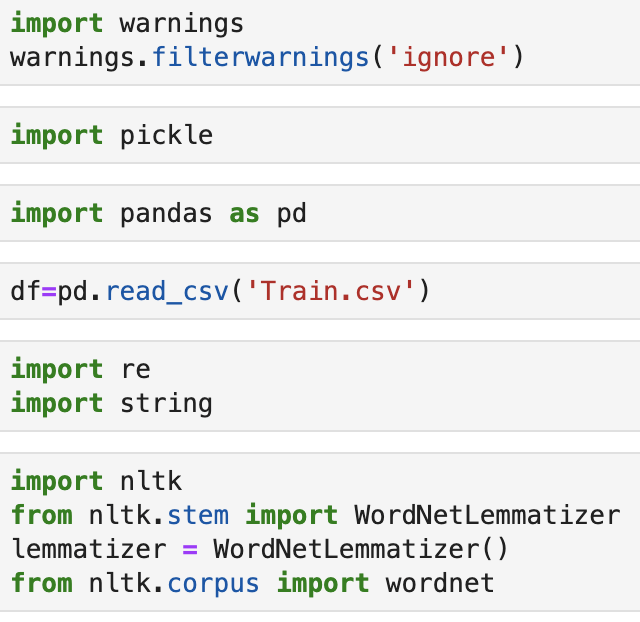
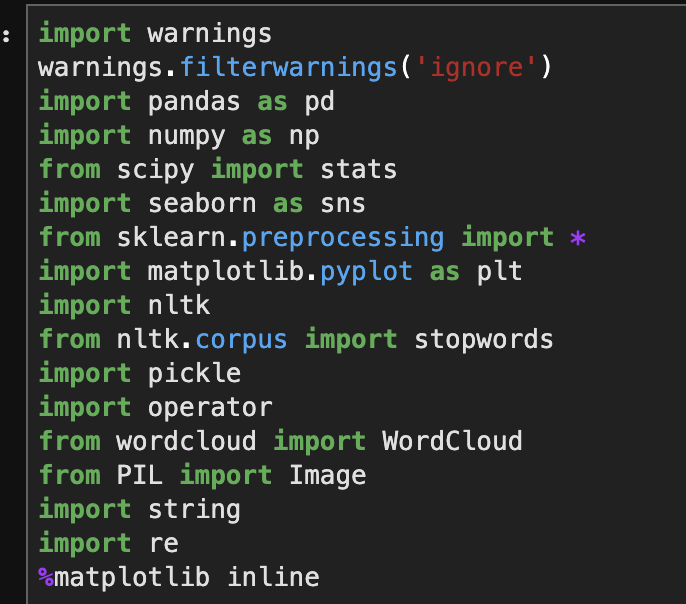
The setup above should look pretty simple. We import some packages to get going. If you don’t know all these libraries, I won’t waste your time and will focus on the ones that matter most. Pandas is basically Microsoft Excel and spreadsheets for python. The line that begins “df=…” is loading our data into a Pandas spreadsheet (called a “dataframe”). “re” and “string” are two libraries that will help in dealing with text. We will further explain their use when appropriate. “nltk” is Natural Language Toolkit and it is a popular library in dealing with NLP problems. The “lemmatizer” object is a package found in a sub-module of nltk that is used to identify the root of words. There are other options to accomplish this task but the idea is that when we investigate a sentence we want to stop getting confused by similar words. Example: “I am posting posts which will later be posted and re-posted following each post.” Ok, so this sentence doesn’t make a whole lot of sense, but it demonstrates a point; this sentence is talking about posts. We have 5 different words which are all related to the word “post.” Why create a new way to read each unique version of the word “post” when we can just create the following sentence: “I am post post which later be post and post following each post.” The sentence makes even less sense but we still know that this sentence is talking about posts. That’s the idea; work with as few words as possible without losing context or meaning. For more information on the backend work, you can click here. Finally, wordnet is sort of like a dictionary-type resource found in nltk. I’ll give you a quick example to show what I mean.

Cool 😎
Data Prep Functions
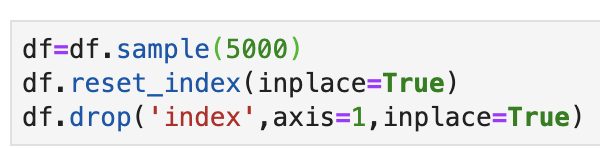
To get started here, I am going to minimize this data set using pd.DataFrame().sample(n) with n = 5000. This way my code will take less time and memory to run. I am going to cut my data from 40k rows to only 5k rows. Usually, having more data leads to more accurate models. However, seeing as this is more of an instructive post, I’m going to keep things a bit less computationally heavy. Note that it’s important to reset the index, by the way.
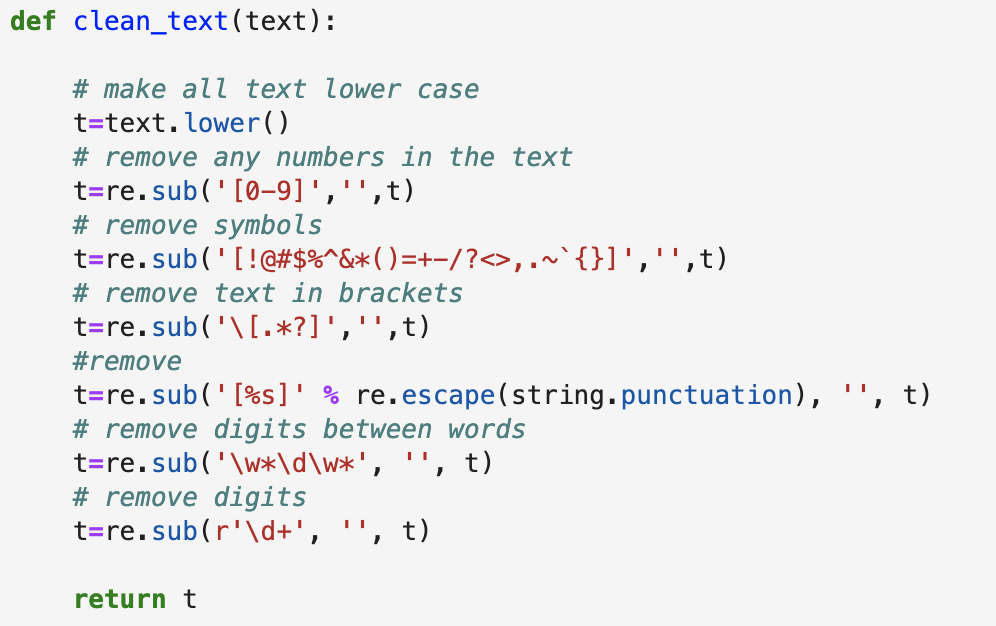
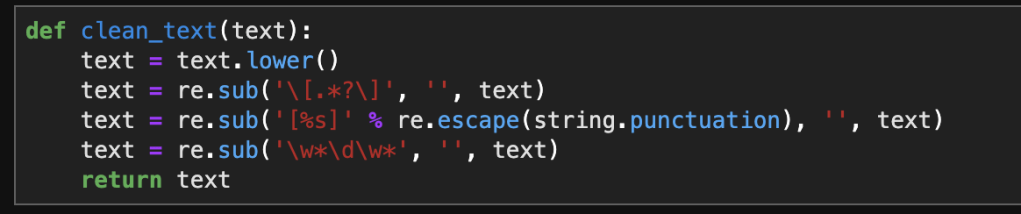
Next, we’ll take a look at “regular expressions,” commonly described as “regex.” Regex is basically “a sequence of characters that define a search pattern,” to quote Wikipedia. Regex is primarily used to process different parts of a sentence and identify things like numbers, punctuation, or other things. For example, if we had the following sentence: “Oh my god, we’re having a fire sale!” – we can understand this sentence without the exclamation mark. The punctuation makes the sentence a bit more interesting, but for computer processing purposes, it’s just added noise. Regex is a bit of a strange resource in syntax and code but I will describe all the regex patterns we will see in our function in a visual. (For more information I found this resource)
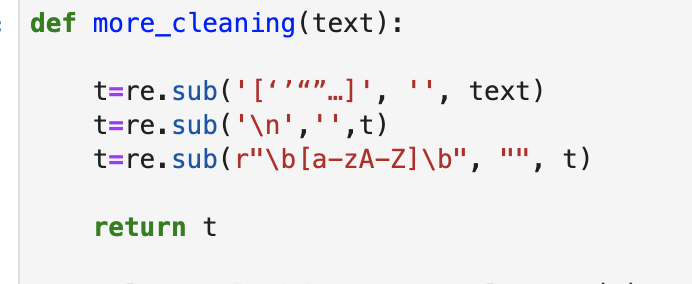
We will actually need to add one further cleaning function before we can start lemmatizing words. The function below get’s rid of quotes, empty lines, and single characters sitting in sentences.
For the next function we build, we are going to reduce the amount of words we see using a lemmatization process. Before we can do that, however, we will need to understand how nltk assigns tags. Let’s give an example:
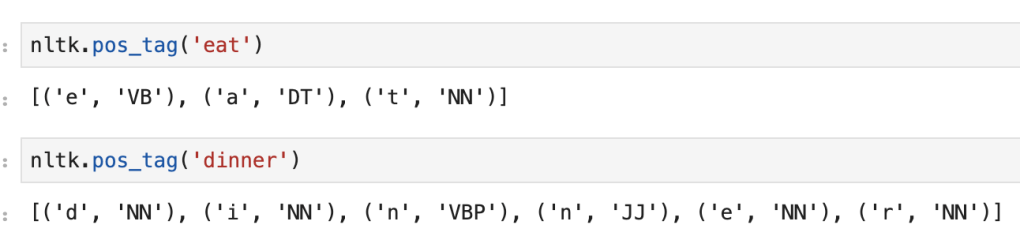
Ok, let’s break this down. First things first, forget every letter after the first letter. Next, figure out what ‘VB’ and ‘NN’ mean. According to this resource, “NN” indicates a noun while “VB” indicates a verb. These tags will help us understand how the lemmatizer should take action. We’ll see more tags in our function:
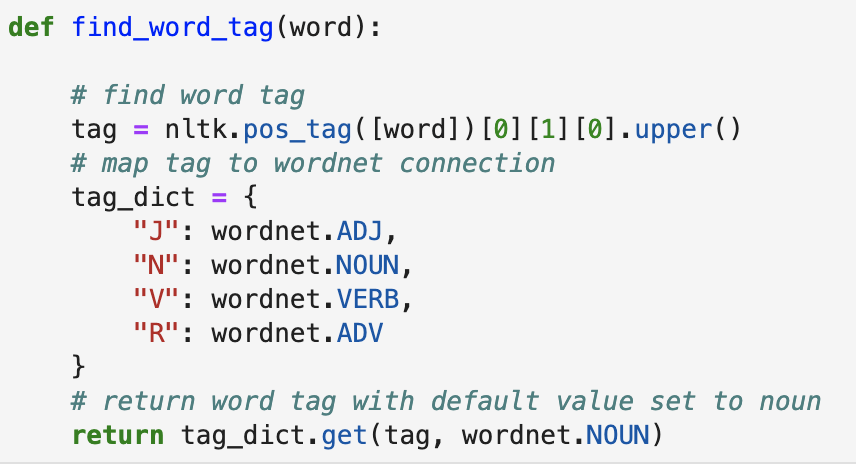
Now that we can access word tags with a default value set in mind, we need to lemmatize our words. This function is quick.

So let’s take a look at what all this accomplished. We started with something like this:
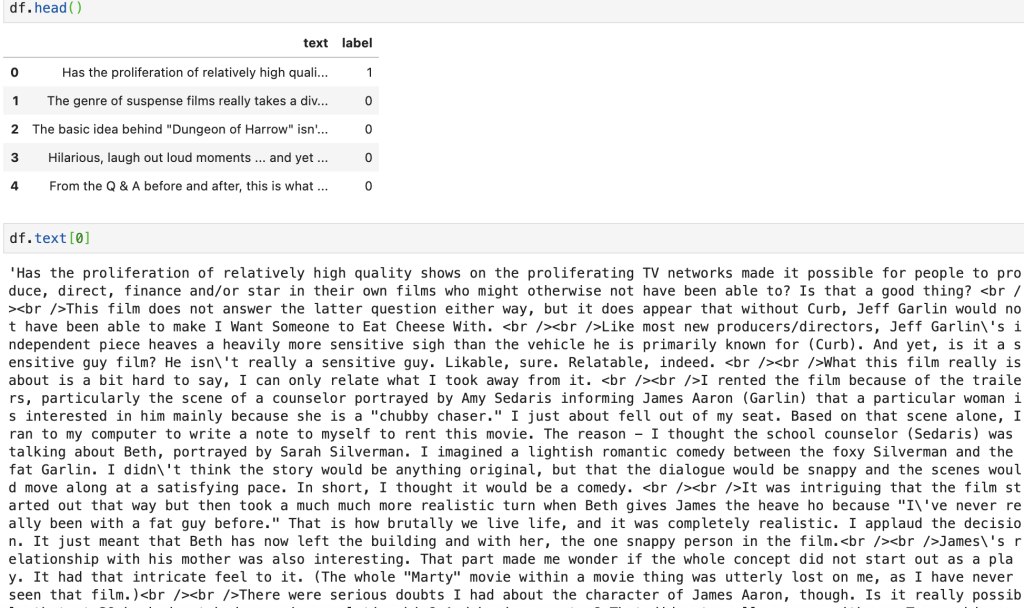
And now…
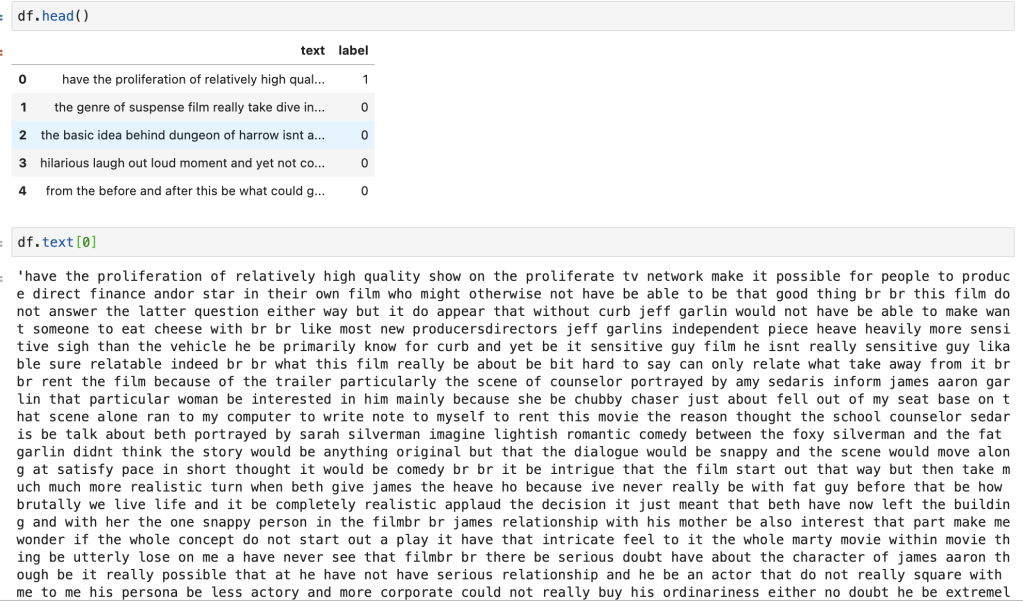
It doesn’t look so pretty, but it’s definitely an improvement.
EDA
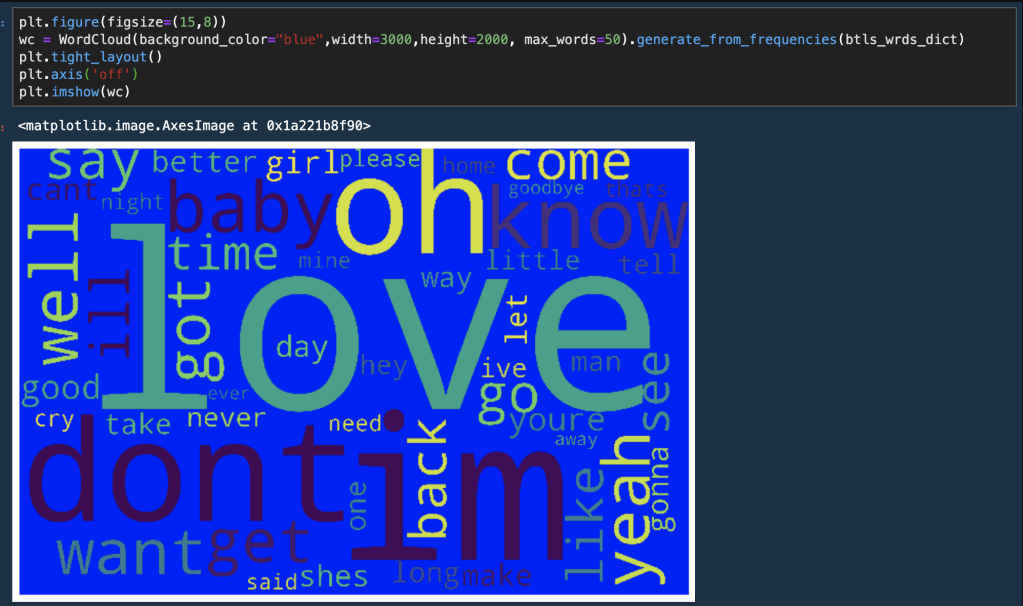
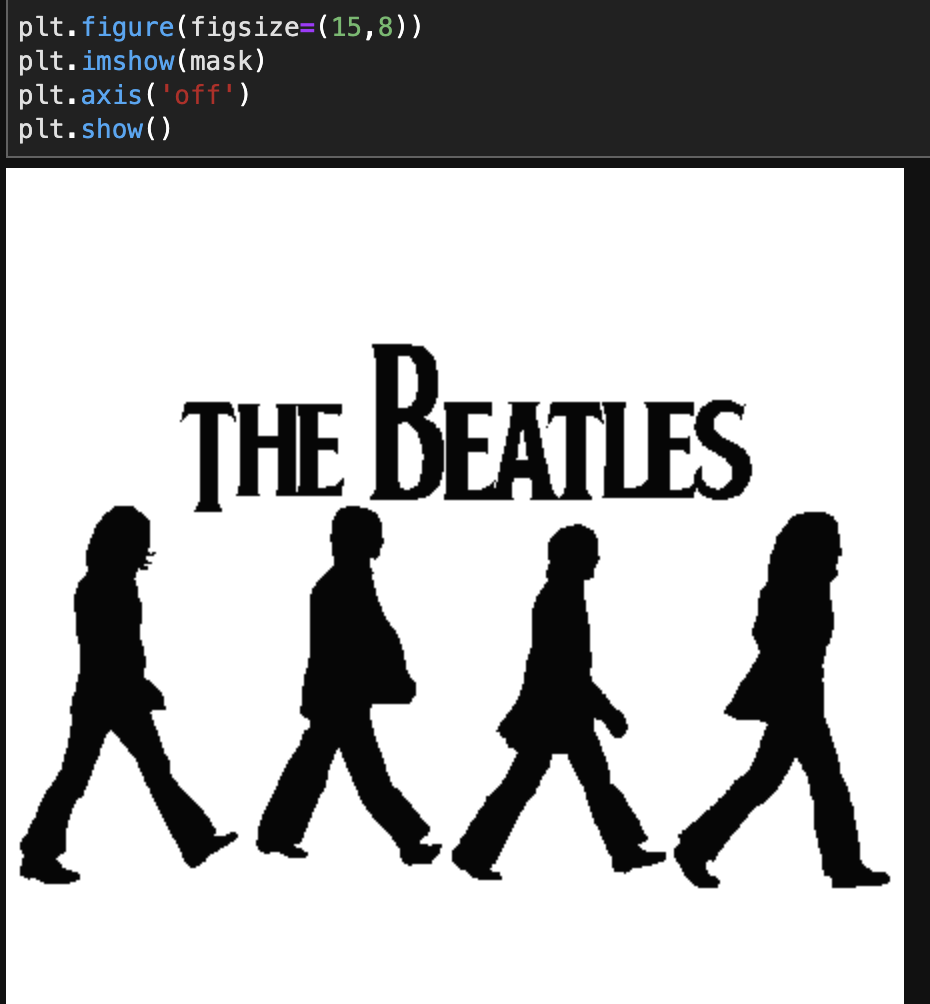
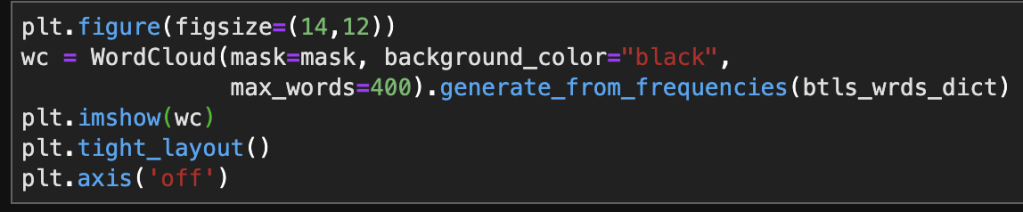
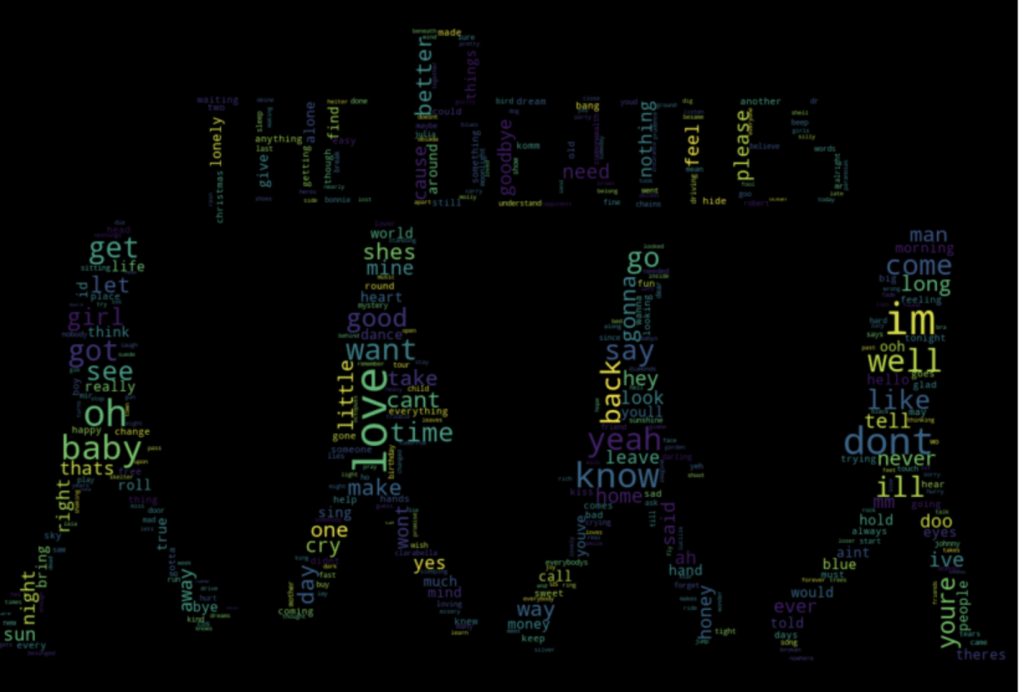
In short, we will not be doing much EDA. There’s a lot of interesting EDA that can be done with NLP projects. This post is more about building a classification model and we will therefore skip EDA. (Disclaimer EDA can and usually does help build better models – but we are keeping things basic here). If you want to see a fun blog about custom word clouds check out my post here.
Transforming Text To Numbers
Now that we cleaned up are text, we need to turn text into something that computers can understand; numbers. Count vectorizers allow us to accomplish this text. In a short amount of code we can turn a single entry of text into a row whose features are words and the frequency the words appear per text. Let’s say we had the following two sentences; 1) The weather is nice. 2) The weather isn’t cold. So for these two sentences we have 6 total unique words which leads to a data frame including 6 features (not including the classification label). Let’s see some code.
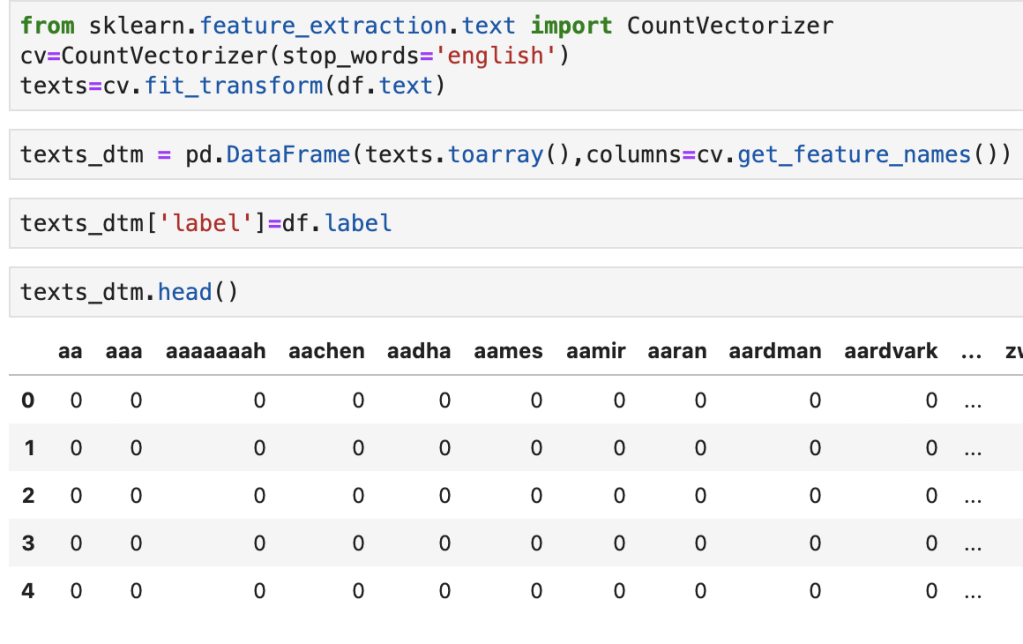
What we see above is the import and instantiation of a count vectorizer which is then applied to the text and exported to a data frame. We also add the label as an additional column. What we see in the data frame is weird. We see words like “aaaaaaah” and “aaa.” However, these words don’t appear in the first 5 lines of data and I would imagine they are statistical outliers. We don’t really see any normal words above and that’s why we see a bunch of zeros.
Stopwords
Believe it or not, we have more data cleaning. A lot of people probably filter out stop-words earlier but I like to do it once we create a data frame. What are stop words? Glad you asked! Stop words are words that “don’t matter” as I like to say it. Stop words could be basic like “the,” “and,” and “it” or situational like “movie,” “film,” or “viewing” in our case. Python has libraries that actually give you sets of stop words. Let’s take a look. Notice how we have to specify the language.

Now I know said no EDA, but I’ll share with you one quick visual.
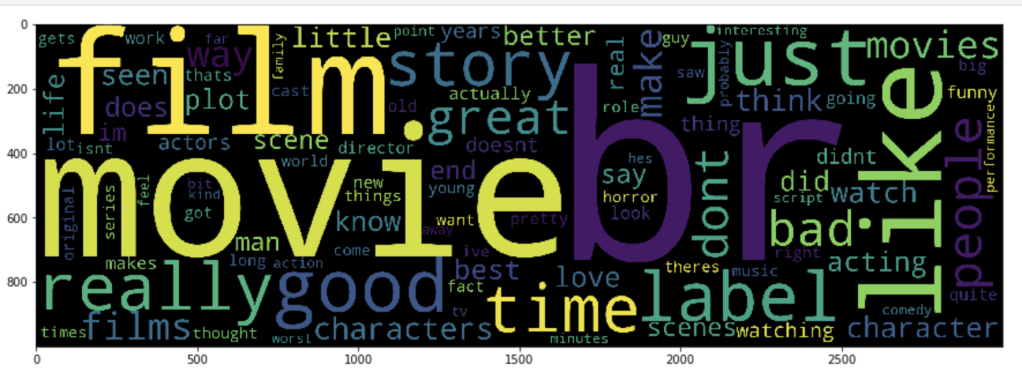
This visual screams out: “we need more stop words!” Also… what the heck is “br?”

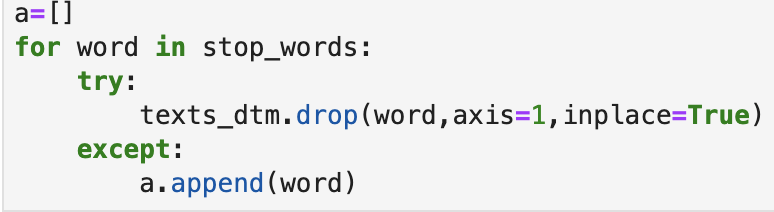
I created the code below to delete the 194 words listed in stop_words if they appear as columns in our data:
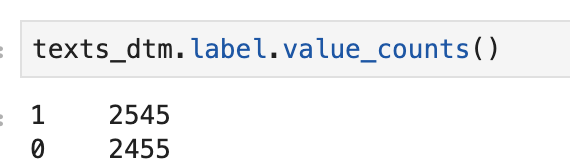
We still have a pretty even distribution of good reviews to bad reviews.
Models
So we are basically done with the core data prep and can now run some models. Let’s start with assigning X and Y and doing a classic train-test-split.

Let’s import and instantiate some models…
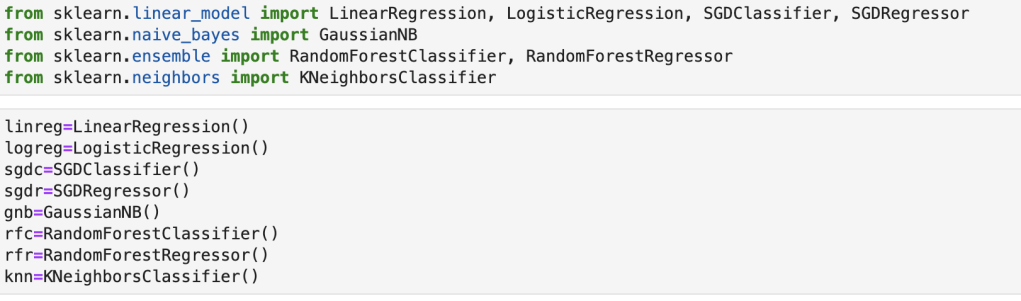
Let’s create a function to streamline evaluation…

Let’s run a random forest classifier model…
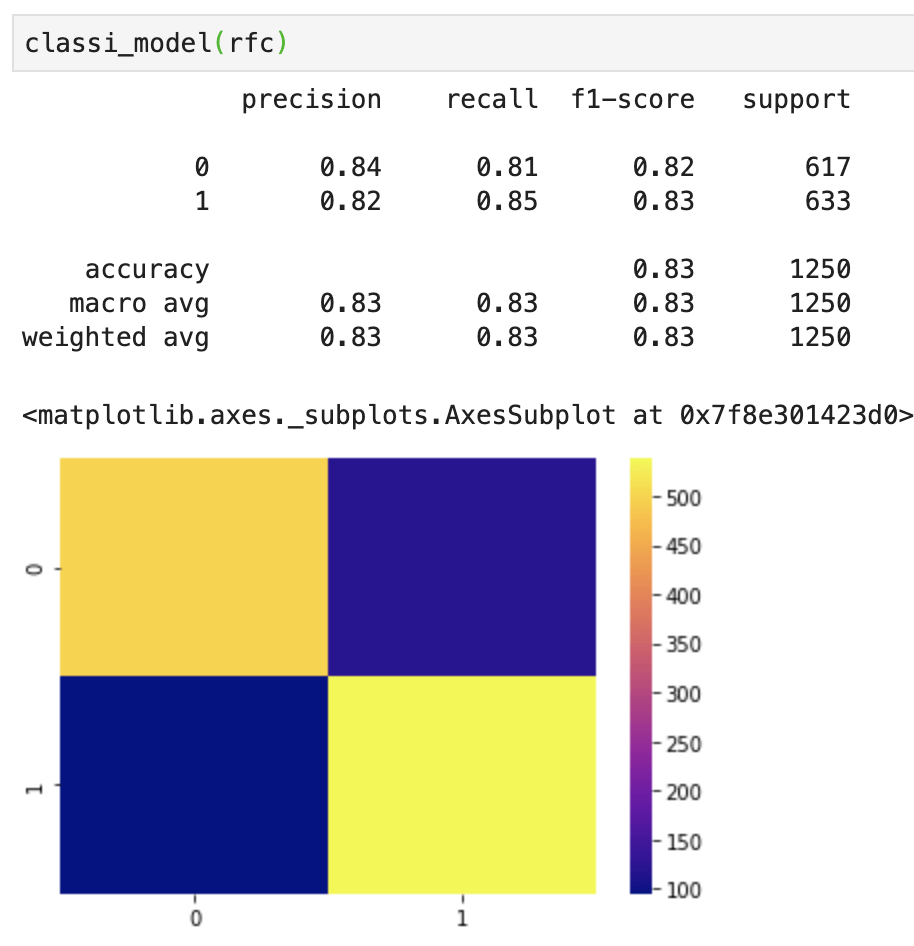
Now that’s pretty good. If some of these metrics look confusing, I recommend you view my blog here that describes machine learning metrics and confusion matrices. At this point in a classification model I like to look at feature importance. We have over 42k features, so we’re definitely not doing feature importance. Let’s focus on what matters. We just built a strong NLP classification model using 5000 data points.
Conclusion
NLP projects take a lot of planning and attention to detail. That said, there is a lot of depth potentially available in NLP projects and having a good knowledge of NLP can help you perform interesting and advanced analysis. NLP is not as easy to learn and implement as some more “basic” low-dimensionality models but NLP is a highly valuable and impressive skill to hold. I hope this post helps readers conduct their own NLP analysis.










 Inquiries